Gaze Racer
A downloadable tool for Windows
🏎️ Drive Any Sim Racer... Using Only Your Face.
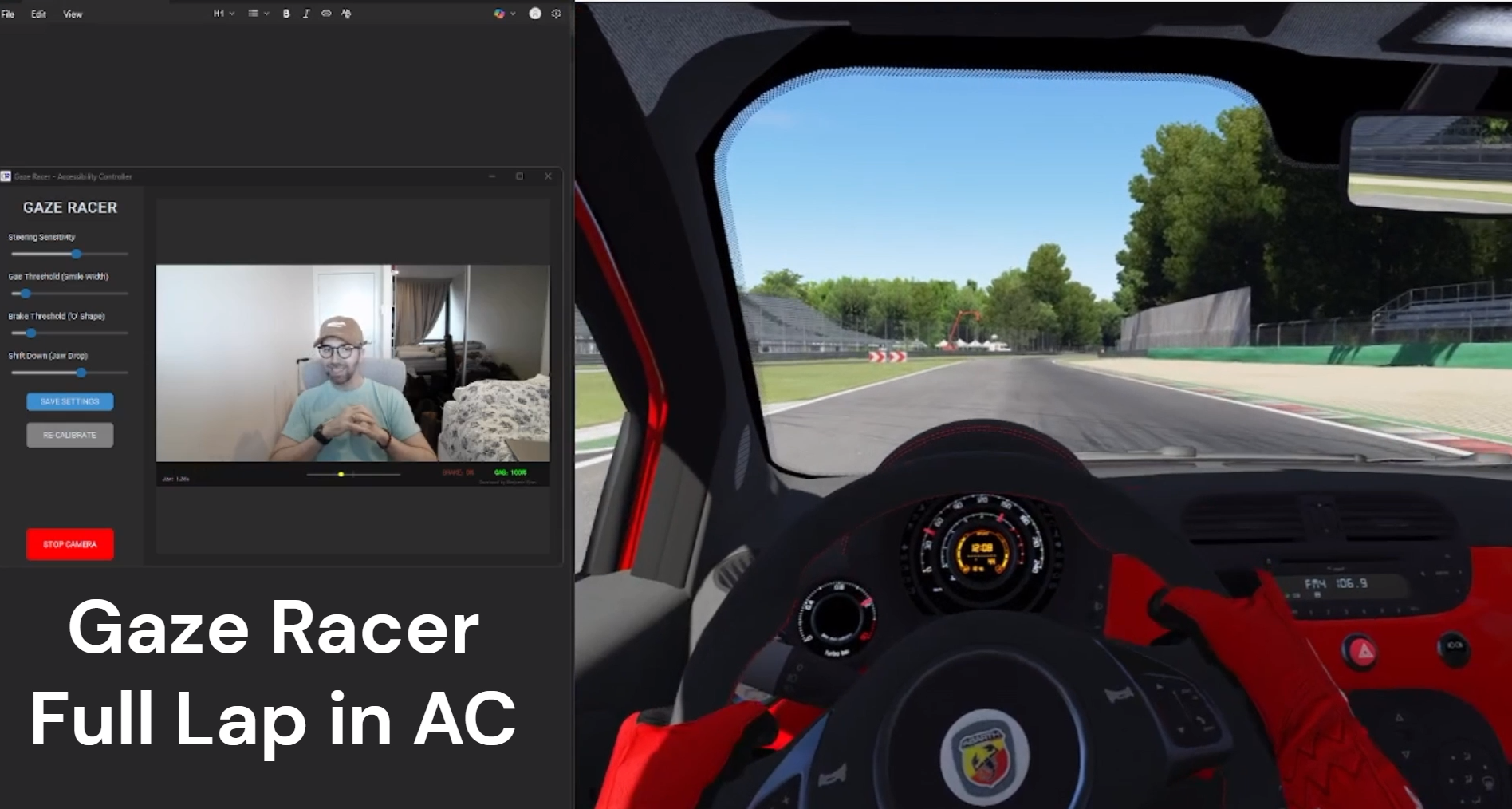
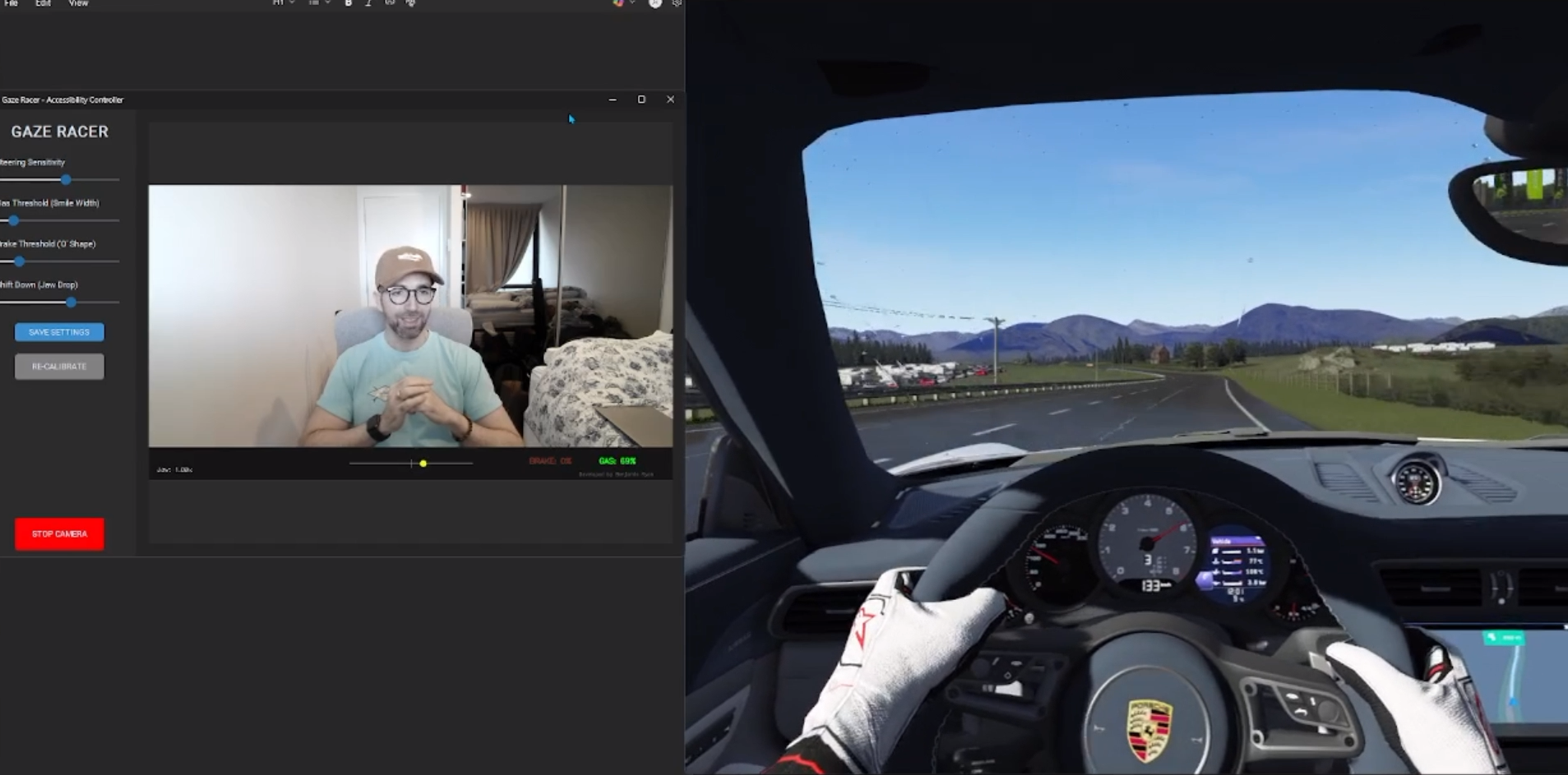
Gaze Racer is a revolutionary accessibility controller that turns your standard webcam into a fully functional, analog controller.
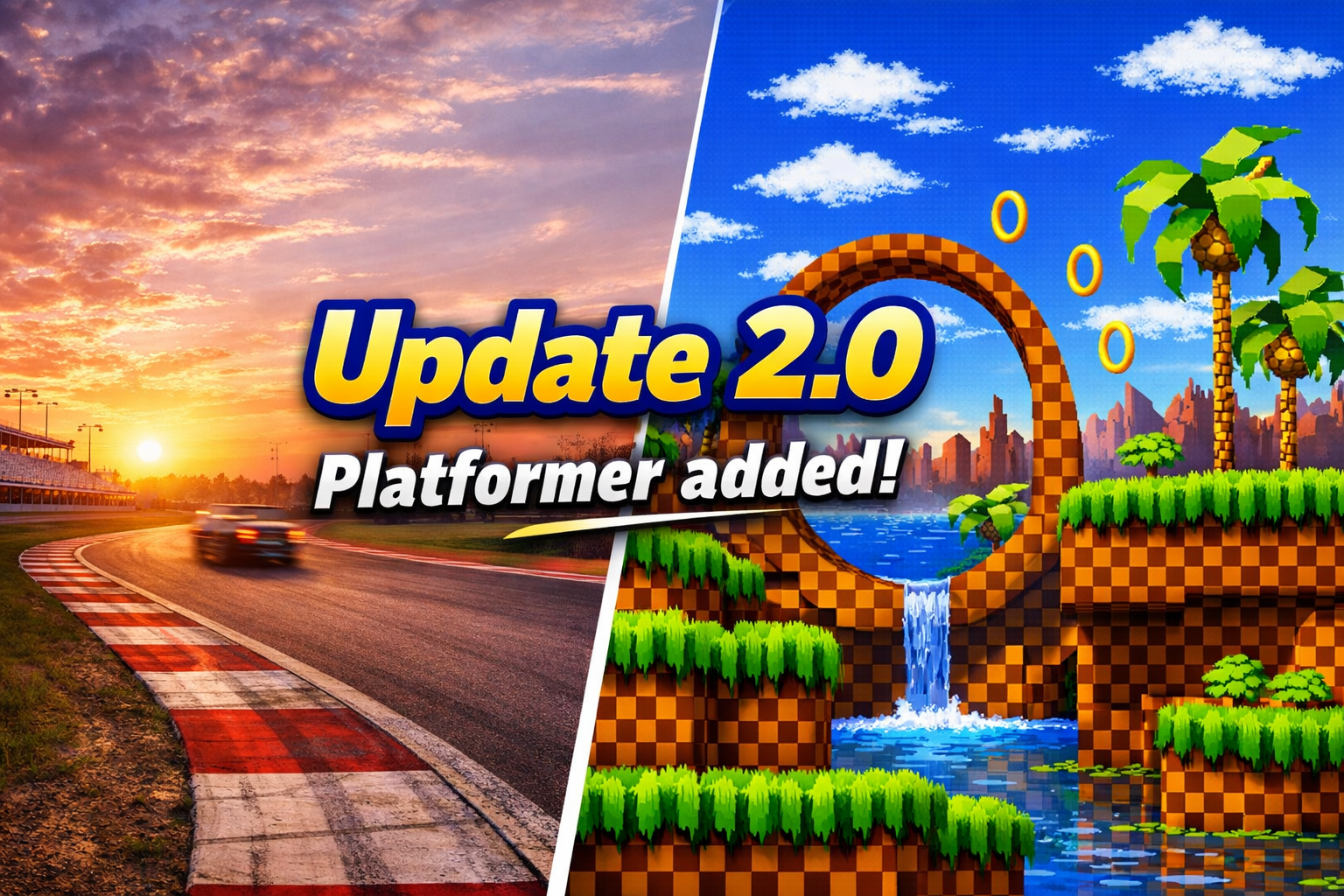
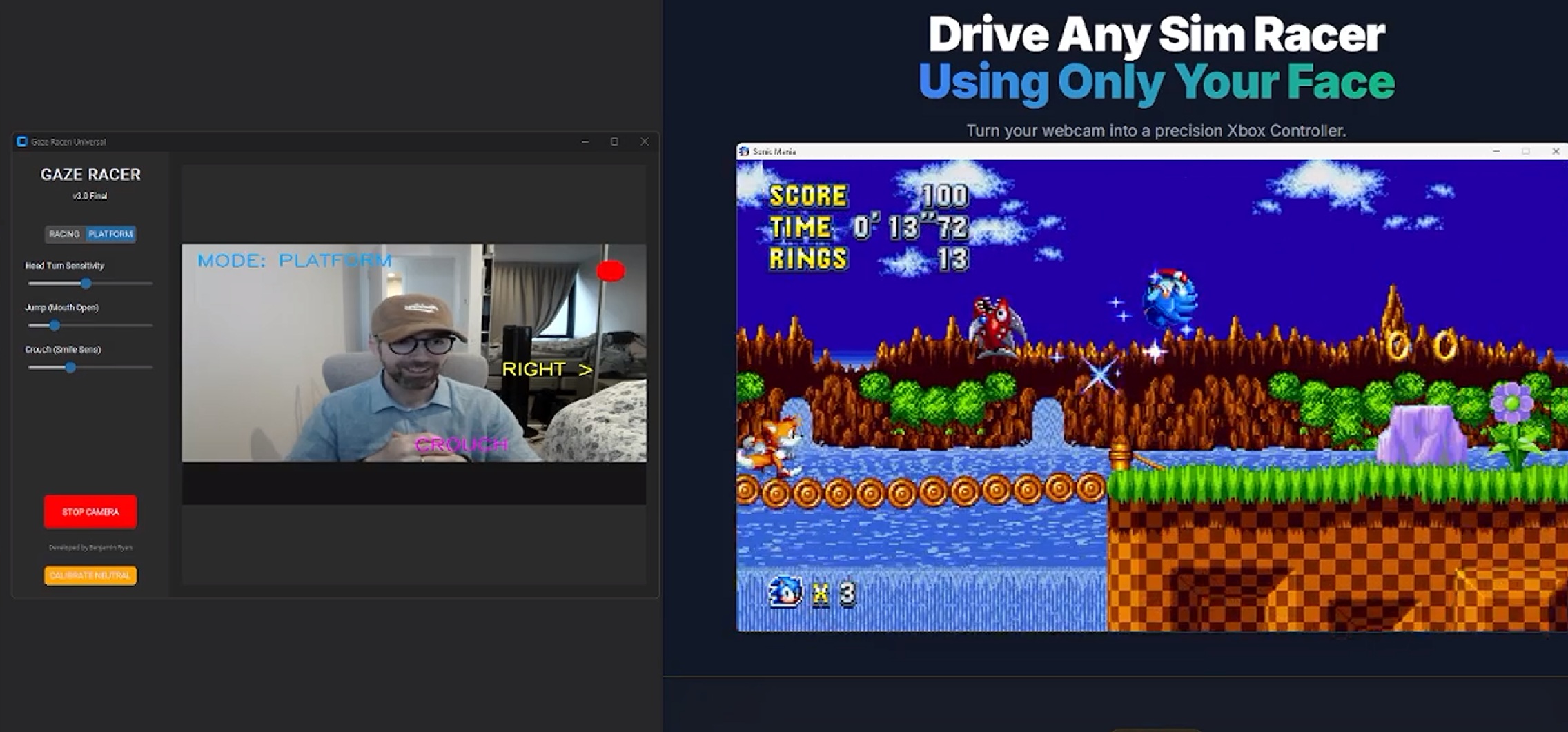
NEW - Platformer Controller Added in V2.0!!
Whether you are a sim racing enthusiast looking for a new level of immersion, or an adaptive gamer overcoming physical limitations, Gaze Racer puts you in the driver's seat—no hands required.
✨ Key Features
- Zero Latency: Powered by lightweight AI (MediaPipe), all processing happens locally on your CPU. No cloud lag.
- Analog Precision: Unlike simple button mashers, Gaze Racer provides smooth, analog input for steering, gas, and braking.
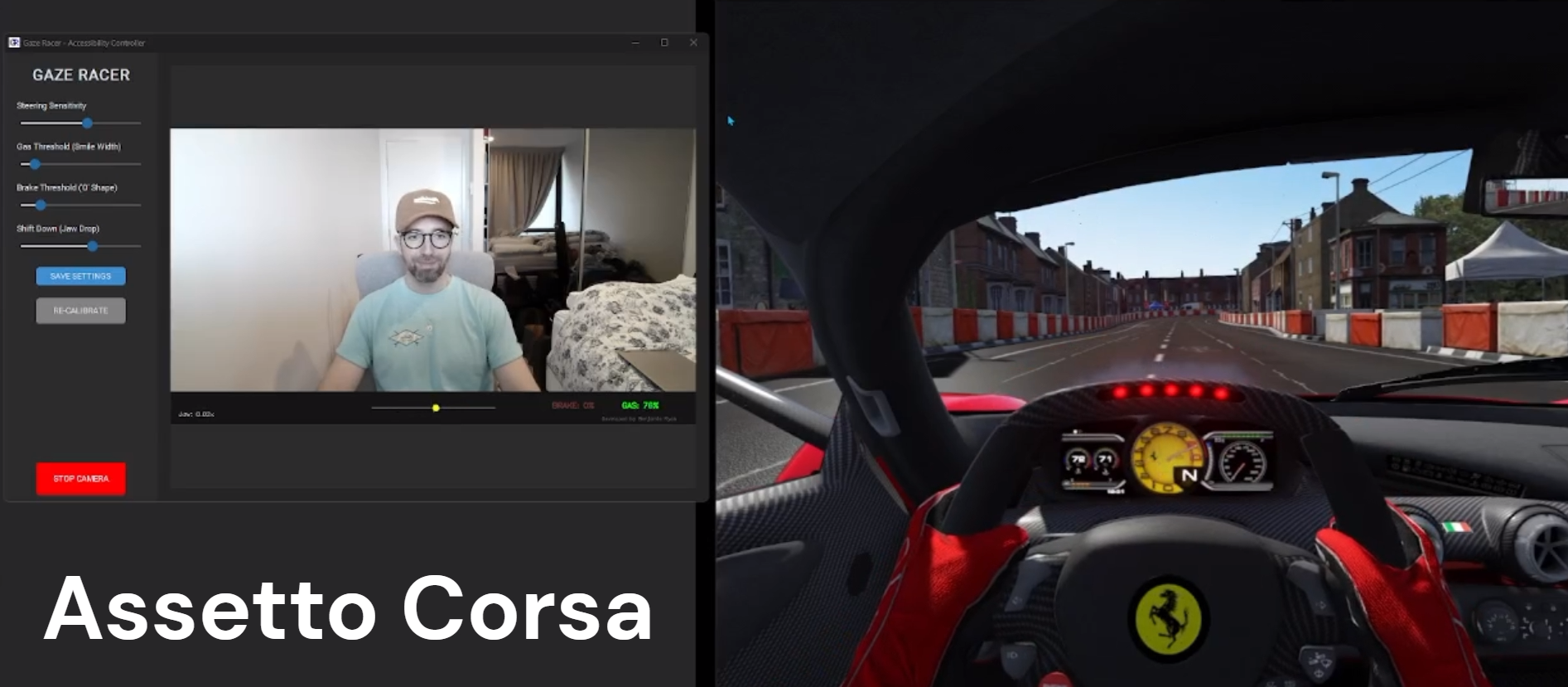
- Universal Compatibility: Emulates a standard XInput (Xbox 360) controller, meaning it works out-of-the-box with Forza Horizon, F1 23/24, Assetto Corsa, BeamNG, and almost any modern PC game.
- Potato-Ready: Optimized to run efficiently on standard 720p webcams without eating up your frame rate.
- Lifetime Updates: Buy once, race forever. Your purchase includes all future updates, performance improvements, and new features at no extra cost.
🎮 How It Works
Gaze Racer translates your natural head and face movements into controller inputs in real-time:
- STEERING: Turn your head Left / Right.
- GAS: Smile! (Widen your mouth).
- BRAKE: Make an "O" Face (Pucker/Narrow mouth).
- SHIFT UP: Quick upward nod (Chin Up).
- SHIFT DOWN: Drop your jaw.
All sensitivities and thresholds are fully adjustable within the app.
🤝 Accessibility First
We believe racing is for everyone. Gaze Racer was built to bridge the gap between physical ability and digital competition. If you cannot use a traditional gamepad or steering wheel, this tool provides a robust, competitive alternative.
⚙️ System Requirements
- OS: Windows 10 or Windows 11 (64-bit)
- Hardware: A standard Webcam (720p or higher recommended).
- Input: Sim games must support "Controller/Gamepad" input (which 99% of them do).
📦 Installation Guide
- Download and run the Gaze Racer Installer.
- Run installation.
- Launch the app, look at the camera, and click CALIBRATE.
- Start your game!
(Note: For shifting gears, you may need to map "Shift Up" to Right Button (RB) and "Shift Down" to Left Button (LB) in your game settings).
🔒 Privacy Promise
Your face is your business. Gaze Racer processes your camera feed entirely in your computer's RAM. No video is ever recorded, saved, or uploaded to the cloud.
🚀 The Roadmap
Gaze Racer is actively developed. I am constantly working on better tracking algorithms and new features.
Download
Click download now to get access to the following files:
Development log

Comments
Log in with itch.io to leave a comment.
Cruising around in my Ferrari - Like having super powers!